Showing posts with label cmd tricks. Show all posts

Wednesday, 1 August 2012

How to create a SECRET folder (not hidden) without any software

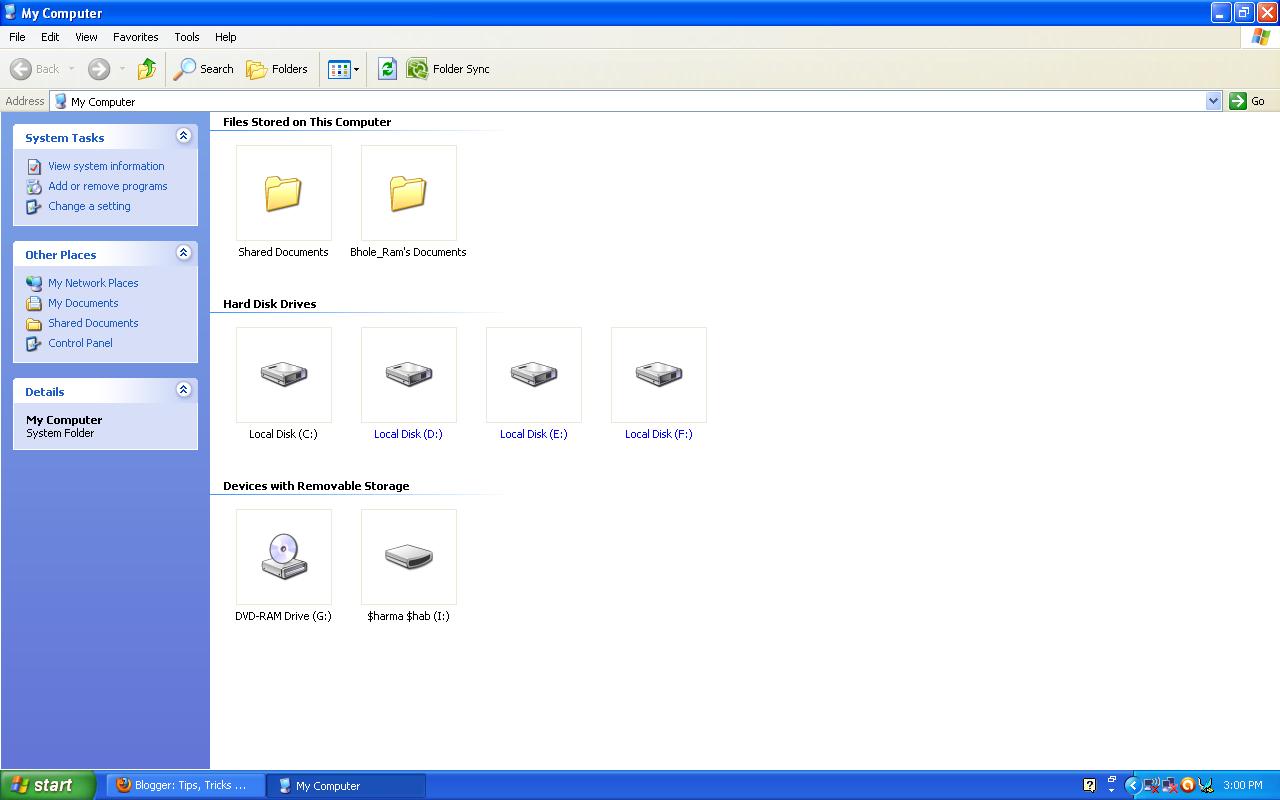
Hi TTH readers, today I am going to show you how to make a SECRET folder. Please notice the word SECRET, its not hidden folder. In my previous post, I have told you how to make a super hidden folder and how to lock folder without any software. Almost everyone know how to make a hidden folder and also how to show them in windows. But if folder will look like any innocent icon like "My computer" then anyone will be easily fooled that its an icon of My computer. If anyone will click this icon then he will not be able to see your secret material, he will be able to open My Computer from this icon.
Read more �
Read more...

Run multiple commands in command prompt simultaneously


Hi friends, I bet all of you have worked with command prompt. It may happen that as a beginner you might not know much commands. One thing you might have noticed that in a single command prompt, i mean single instance of a command prompt, you can run only one command. What I basically mean to say that, till now you were entering one command and used to press enter for letting the command to execute succssfully and the result of the command fired is shown in the screen of comand prompt.

Read more �
Read more...

Monday, 11 June 2012

Hide Your Drive


Hello TTH readers ,

Today i am Telling you how to hide

your any particular Drive or all Drives

that shown in My Computer

Read more �
Read more...

Wednesday, 23 May 2012

hide any file in jpeg file


Hello Friends, today i will explain you how to hide any file behind the JPEG image manually that is without any software. Its a very easy trick and also very useful if you want to send information secretly to your friend. Also its different from stenography as it does hides text behind images or text behind mp3 files. Its universal, you can hide any file, virus or Trojan or anything behind image using this trick.


Things that you will need for this trick:
1. Winrar installed on your system.
2. Little knowledge of command prompt.


Read more �
Read more...

Set your computer to automatically log on without entering password every time

This post will show how you can set your computer to log on automatically to a user account or by passing the log on screen at the time of startup in Windows 7.


This can be also done by directly removing your account password, but sometimes we need the account to be password protected for security reasons such as:
Read more �
Read more...

Monday, 9 April 2012

Virus that makes folder inside a folder infinitely

Hi TTH readers, today I am going to make a virus in notepad that that makes infinite number of folders inside a folder till your hard disk drive gets full.

You can use this trick to fool you friend.

Follow these steps:
1. Open Notepad and copy paste the following code in it.
Read more �
Read more...

Virus that floods desktop with folders

Hi TTH readers, today I am going to make a virus in notepad that floods your PC desktop with unlimited number of folders.

You can use this trick to fool you friend.

Follow these steps:

1. Open Notepad and copy paste the following code in it.

Read more �
Read more...

Saturday, 10 March 2012

Make a super hidden folder in windows

Today I will show you how to make a super hidden folder that cant be seen by anyone except one who have made.
Normally, when you make any folder hidden by right clicking on it and setting its property to hidden, the it can be shown by clicking "show hidden files and folders" in the folder options. But, in my trick, after enabling "show hidden files and folders" also, you will not be able to see the folder.

Read more �
Read more...

Thursday, 22 December 2011

How To Block Websites Without Software..

Block websites without software

Steps:

1] Browse C:\WINDOWS\system32\drivers\etc
2] Find the file named "HOSTS"
3] Open it in notepad
4] Under "127.0.0.1 localhost" Add 127.0.0.2 www.sitenameyouwantblocked.com , and that site will no longer be accessable.
5] Done!

Read more �
Read more...

Tuesday, 6 December 2011

How to reset BIOS password using cmd

In the previous article, I have told how to reset BIOS password using hardware methods. Now I am going to tell you how to reset BIOS Password using Command Prompt.
Yes!!! We can do it by using MS DOS Command. Let us see:

This method works only if you have access to the system when its turned on because this method requires MS DOS. Open MS DOS from programs
Read more �
Read more...

Saturday, 26 November 2011

How to restrict access to files/folders using cmd

Hello friends! You might have many software on the internet which is used to lock the files and folders. Also you might have seen batch programs that also does the same job. Today I am going to tell you a basic cmd command that can be used to restrict access to files and folders. You must have administrative access for doing this.

Read more �
Read more...